

Imagine gearing up for an epic gaming session, only to discover your character’s taking a stroll in the opposite direction. Welcome to the world of console gaming controller drift, where your controller seems to have a mind of its own. This pesky issue can turn even the most skilled gamer into a frustrated spectator, watching their avatar wander aimlessly like it’s lost in a shopping mall.
Overview of Console Gaming Controller Drift
Controller drift occurs when the analog sticks of a gaming controller register movement without any physical input. Gamers experience unintended character movement, which disrupts gameplay and frustrates users. This issue is common in various consoles, including PlayStation, Xbox, and Nintendo Switch systems. Factors contributing to controller drift often include wear and tear, dust accumulation, or manufacturing defects.
Manufacturers typically use potentiometers in analog sticks to detect movement. When these components degrade, they can create false readings, leading to drift. Gamers might notice this drift becoming more pronounced over time, requiring frequent adjustments to their gameplay. The impact on competitive gaming can be significant, affecting precision and leading to decreased performance in high-stakes scenarios.
Gaming companies often issue updates or replacements for affected controllers. Various online sources also provide tips for users to mitigate drift. Cleaning the controller can sometimes resolve minor drift issues. Gamers may use compressed air to clear debris or apply contact cleaner to the analog stick joints.
Some gamers explore hardware modifications to address more severe drift. Replacing potentiometers or entire joystick modules can restore functional control, though this approach often requires technical skill. Additionally, third-party controllers specifically designed to reduce drift issues have emerged on the market.
Gamer awareness of controller drift is crucial, as recognizing its symptoms helps reduce its impact. Seeking timely maintenance or replacement can improve the overall gaming experience. As manufacturers continue to receive feedback from users, innovative solutions may arise to reduce the prevalence of this disheartening issue.
Causes of Controller Drift
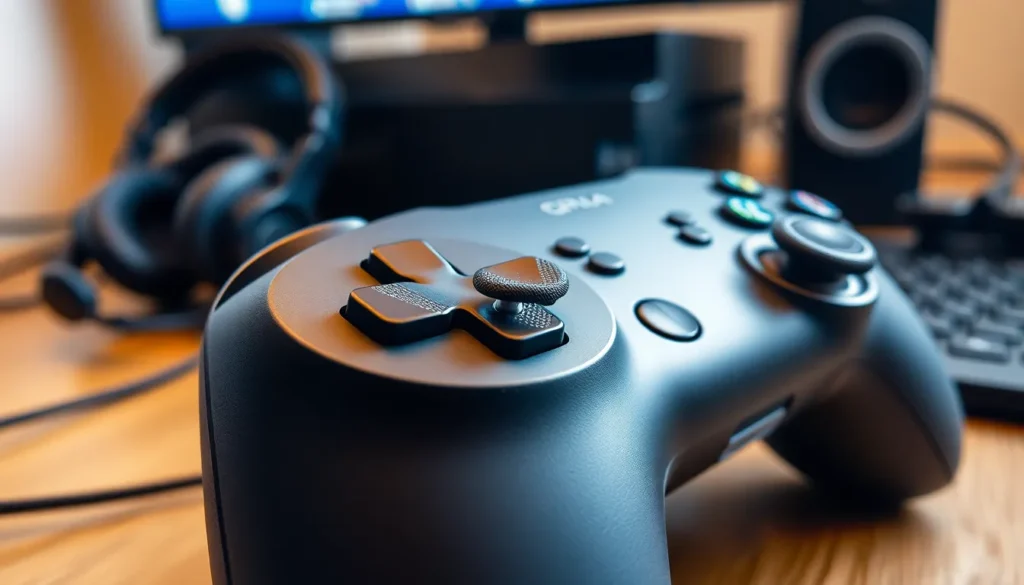
Controller drift stems from various factors, primarily related to hardware and software. Understanding these causes helps gamers manage and potentially mitigate the issue.
Hardware Issues
Wear and tear affects the internal components of gaming controllers. Analog sticks consist of potentiometers that can degrade over time. As these components wear down, they may register movement even when there’s none. Dust accumulation and corrosion can exacerbate these problems. Excessive pressure or misuse can also damage the controller’s internal parts. Many controllers encounter drift after extensive use, especially in competitive gaming. Regular maintenance can help extend a controller’s lifespan, addressing hardware issues proactively.
Software Glitches
Software can lead to unintentional controller drift as well. Firmware updates sometimes change how controllers interpret input, which may introduce drift issues. Occasionally, game patches can affect controller sensitivity settings, leading to erratic movements. Configuration mismatches between hardware and software may create inconsistencies in gameplay. Users might notice drift after installing a new game or modifying settings. Keeping firmware and software updated generally helps alleviate these types of glitches, reducing instances of drift.
Symptoms of Controller Drift
Gamers often notice several symptoms indicating the presence of controller drift. Unwanted movement of characters occurs, even when the analog stick remains untouched. This erratic behavior frustrates players and disrupts gameplay.
Detection Methods
Detecting controller drift requires careful observation. One common method involves moving the analog stick to see if the character maintains a static position. If movement persists without input, drift likely exists. Additionally, running a calibration test can help in identifying drift issues. Some gaming consoles include built-in calibration tools, providing users an easy way to confirm if drift affects their controllers. Observing in-game responsiveness and consistently monitoring character movements may reveal patterns that signal drift, allowing for prompt action to be taken.
Impact on Gaming Experience
Controller drift significantly affects the overall gaming experience, especially during competitive play. Precision suffers as characters move unpredictably, disrupting players’ strategies and ability to perform. Gamers relying on accuracy may find themselves at a disadvantage against opponents, affecting performance and enjoyment. Stress and frustration can build when drift leads to missed shots or inaccurate movements in critical moments. Consequently, gamers often seek solutions, ranging from minor fixes to hardware replacements, to regain control and enhance their gaming sessions.
Solutions to Fix Controller Drift
Controller drift poses a significant challenge for gamers. A variety of solutions exist for both temporary fixes and long-term resolutions.
DIY Fixes
Cleaning the controller often resolves minor drift issues. Gamers can disassemble the controller and use isopropyl alcohol to clean the analog sticks. Dust and debris can obstruct the potentiometers, so thorough cleaning enhances functionality. Another effective method entails recalibrating the controller through the console’s settings. These calibration options help reset the analog stick’s response, suppressing erroneous movements. Additionally, adjusting dead zones in game settings may reduce sensitivity and counteract drift symptoms. Regular maintenance can prolong the controller’s lifespan, allowing for an improved gaming experience.
Manufacturer Options
Manufacturers frequently provide solutions for persistent controller drift. Many companies issue firmware updates designed to fix underlying software issues that cause drift. Replacements for defective controllers are often available, as companies recognize the impact of drift on player experience. Warranty services can cover repairs for controllers exhibiting drift, ensuring gamers receive functional replacements. Furthermore, users may benefit from reaching out to tech support for guidance on specific issues. Engaging with the manufacturer’s customer service can lead to tailored solutions, enhancing gameplay reliability and satisfaction.
Preventive Measures
Addressing controller drift requires a mix of proper maintenance and regular calibration to ensure optimal gameplay experiences. Gamers can take specific steps to minimize drift and prolong controller longevity.
Proper Maintenance
Regular cleaning significantly impacts a controller’s performance. Gamers should use isopropyl alcohol and a soft cloth to wipe down the analog sticks, as dust and debris can cause erratic movements. Storing controllers in a dust-free environment helps prevent contamination. Ensuring controllers are not subjected to excessive pressure during gameplay protects internal components from wear. Moreover, inspecting cables and connections periodically can prevent potential hardware issues that lead to drift.
Calibration Tips
Calibration plays a crucial role in maintaining controller accuracy. Running built-in calibration tools on consoles helps ensure proper stick sensitivity and responsiveness. Adjusting dead zones in game settings also reduces the likelihood of unintentional movements. Each console may offer different calibration features, so it’s beneficial to explore these options. Checking for firmware updates regularly ensures that the controller performs at its best by integrating any improvements designed by manufacturers.
Controller drift is a pervasive issue that impacts gamers across all platforms. Recognizing its symptoms and understanding the underlying causes can empower players to take proactive steps toward resolution. Regular maintenance and timely updates are essential in minimizing drift and enhancing overall gameplay experience.
As technology evolves, manufacturers are likely to innovate further solutions that address this frustrating problem. By staying informed and engaged with the gaming community, players can navigate controller drift more effectively and enjoy uninterrupted gaming sessions.





