In the vast pixelated universe of Minecraft, players often find themselves craving something extra to spice up their blocky adventures. Enter mods—those magical little tweaks that can transform a simple game into an epic saga of creativity and chaos. Whether it’s adding dragons to your serene village or turning your trusty pickaxe into a laser beam, the right mod can elevate gameplay from mundane to legendary.
Overview of Minecraft Mods
Mods add significant depth to the Minecraft experience. These modifications allow players to customize game mechanics and introduce new content. Popular mods incorporate unique features, such as magic, technology, and new dimensions.
Performance improvements enhance gameplay efficiency. Popular mods include OptiFine, which optimizes graphics and increases frame rates. Players can alter game dynamics through mods like Biomes O’ Plenty, which expands the variety of biomes available.
Customization options abound with mods like Tinkers’ Construct, which redefines weapon-making and resource gathering. The addition of new mobs through mods like Mo’ Creatures places diverse wildlife into the environment, enriching player interaction.
Creativity flourishes with mods that introduce new building materials. For example, Chisel adds multiple decorative blocks for construction. Exploration also transforms with mods offering vast worlds, such as JourneyMap, which enhances navigation.
Each section of gameplay benefits from specific mods tailored to player preferences. Activity levels soar with mods that introduce challenges, such as Hardcore questing. In addition, many mods support multiplayer experiences, fostering collaboration among players.
Minecraft’s modding community continues to grow, delivering an ever-expanding library of options. According to Minecraft Forum, thousands of mods are actively available. Community feedback often drives updates and improvements, ensuring that popular mods remain relevant.
The variety of mods offers something for everyone, from casual players to hardcore survivalists. Engaging with these modifications elevates the entire Minecraft journey, making every session unique and thrilling.
Popular Minecraft Mods
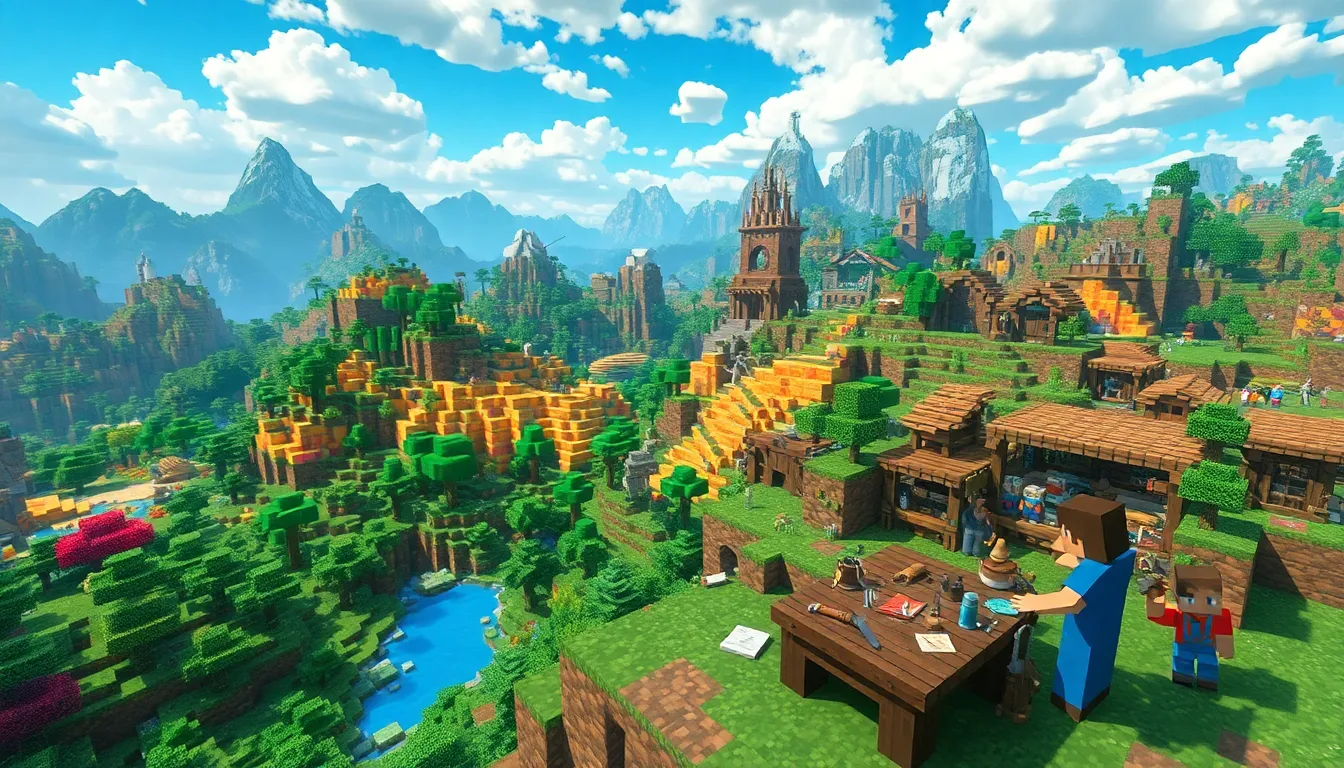
Minecraft mods significantly enhance gameplay, catering to diverse player interests. Here are some popular categories of mods elevating the experience.
Gameplay Enhancements
Mods like Tinkers’ Construct reimagine the crafting system, allowing players to design customizable tools and weapons. Dynamic Fight Mod introduces unique combat mechanics, making battles more engaging. The Twilight Forest adds a new dimension full of quests and challenges, providing fresh adventures. Biomes O’ Plenty expands the environmental diversity, offering countless new biomes to explore. Enhance your village life with Mine Colonies, which lets players create bustling settlements inhabited by NPCs. Community-driven updates consistently introduce new features, ensuring that gameplay remains exciting.
Visual Improvements
Visual enhancements uplift the Minecraft experience, with mods optimizing graphics and animations. OptiFine allows players to customize visual settings, improving performance and adding new effects. The Shaders Mod introduces realistic lighting and atmospheric effects, transforming the game’s appearance. Complementing this, the Better Foliage mod enhances vegetation, making landscapes more immersive. Texture packs like Sphax PureBDCraft offer a cartoonish aesthetic, altering how blocks and items look. Each mod addresses specific visual aspects, creating a richer and more engaging world for players to explore.
Types of Minecraft Mods
Different Minecraft mods enhance gameplay in various ways. Players can experience mods that improve functionality, introduce new elements, or serve as foundational resources for other mods.
Utility Mods
Utility mods streamline various gameplay aspects. Players benefit from mods like OptiFine, which optimizes graphics and improves frame rates. Other useful mods enhance inventory management and provide real-time game statistics. Certain mods also offer quality-of-life improvements, such as faster crafting or customizable keybindings. Players often install utility mods to enhance their overall experience and make gameplay smoother.
Content Mods
Content mods introduce new features, items, and experiences. Examples include Biomes O’ Plenty, which adds countless new biomes for exploration. Players can also discover mods like Tinkers’ Construct, which revolutionizes crafting through new weapons and tools. Many content mods expand the game’s universe with quests, new mobs, and intricate storylines. These enhancements make gameplay more dynamic and engaging, ensuring that players find something new every time they log in.
Library Mods
Library mods provide essential tools for other mods to function effectively. Many developers create these foundational mods to simplify complex coding tasks and improve compatibility. Examples include Forge and Fabric, which enable mod installation and streamline mod management. Using library mods ensures that players can benefit from a wide range of additional content without encountering technical issues. These foundational elements are critical for maintaining a stable and mod-friendly gaming experience.
How to Install Minecraft Mods
Installing Minecraft mods enhances gameplay, allowing players to experience new features and improvements. Follow these steps to get started.
Step-by-Step Guide
- Backup the Game: Before making any changes, back up the Minecraft game files to prevent data loss.
- Install Minecraft Forge: Download and install Minecraft Forge from the official site to ensure mod compatibility. Choose the version that matches the Minecraft version.
- Download Mods: Locate a modding site, select desired mods, and download them. Check mods for compatibility with your Minecraft version.
- Open Mods Folder: Access the Minecraft directory; the mods folder appears in the game’s root folder.
- Move Mod Files: Drag downloaded mod files into the mods folder.
- Launch Minecraft: Start Minecraft using the Forge profile to enable the mods.
Common Issues and Fixes
Errors can occur during the installation of Minecraft mods. One common issue involves incompatible mod versions. Verify mod versions match your Minecraft version for proper functionality. Corrupted mod files may also lead to crashes. Re-download mods from trusted sources to eliminate corruption. Insufficient RAM allocation can cause performance problems. Adjust the JVM arguments in the Minecraft launcher to allocate more memory. Finally, missing dependencies can affect mod performance. Always check for dependency requirements listed with mods to ensure all necessary files are present.
The world of Minecraft mods offers endless possibilities for players seeking to enhance their gaming experience. With a diverse range of modifications available players can explore new dimensions craft unique items and interact with an array of exciting mobs. Each mod not only enriches gameplay but also fosters creativity and innovation within the community.
As the modding community continues to thrive players can expect regular updates and new features that keep the game fresh and engaging. Whether one prefers gameplay enhancements or visual improvements there’s a mod for everyone. Embracing these modifications transforms Minecraft into a personalized adventure tailored to individual preferences.